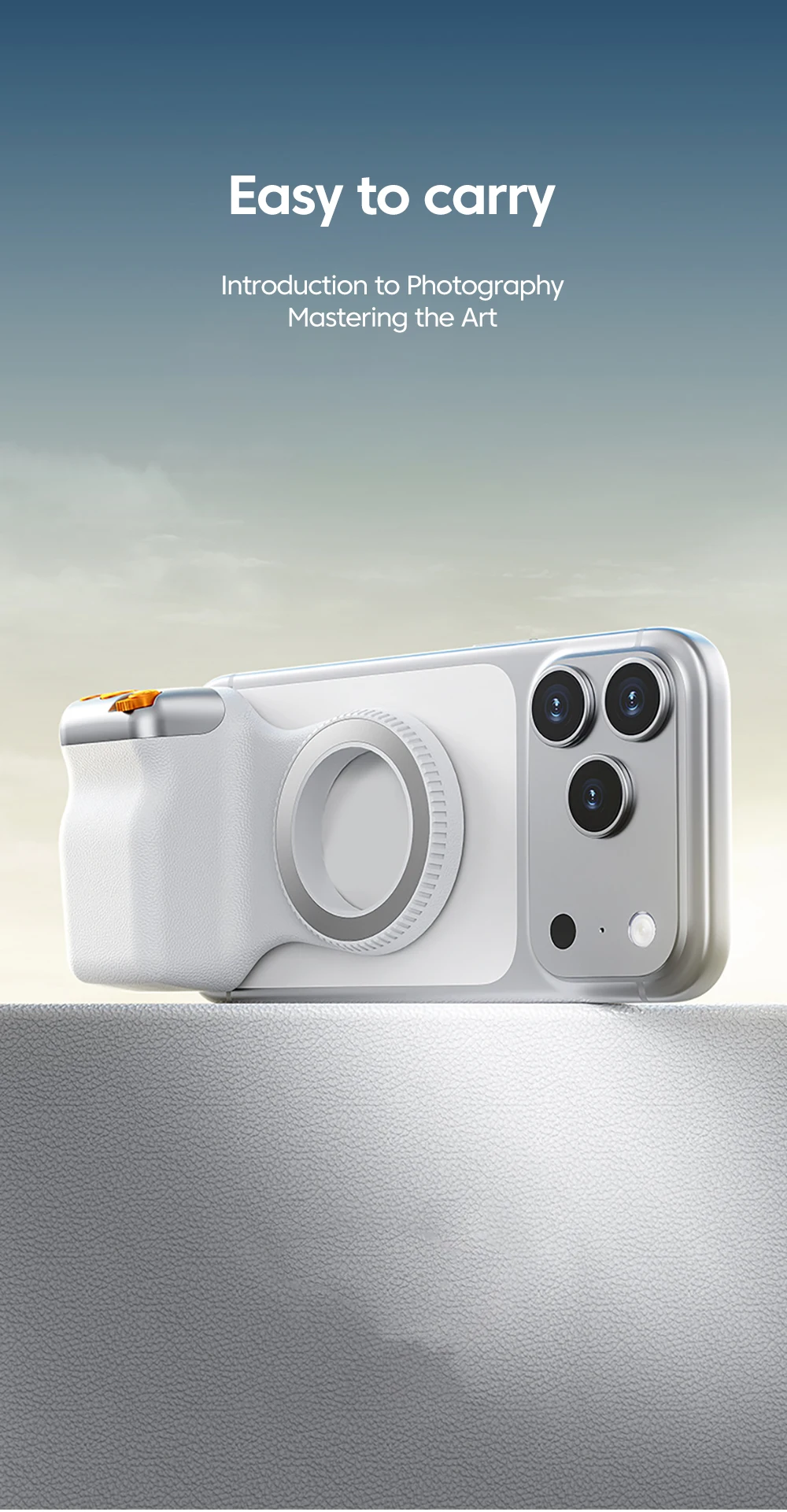
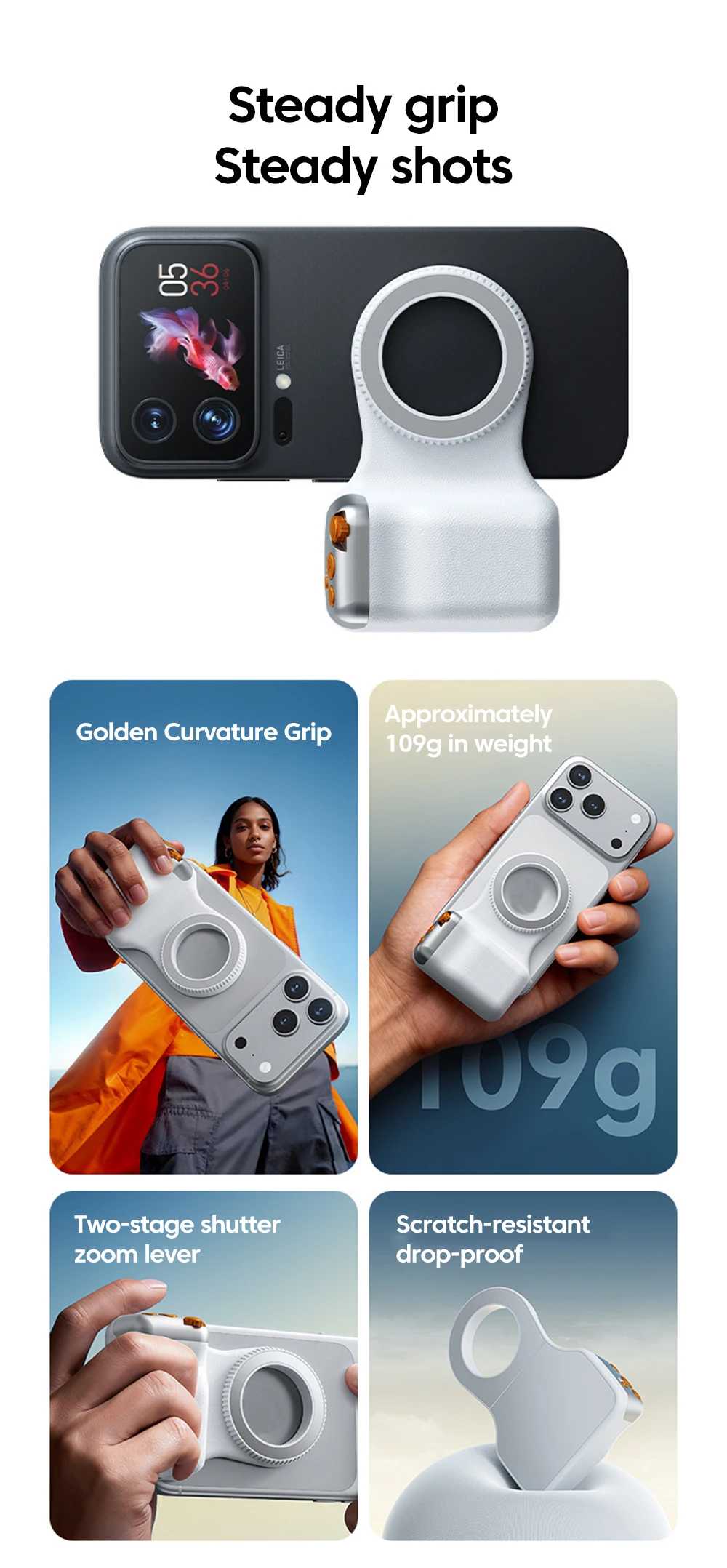
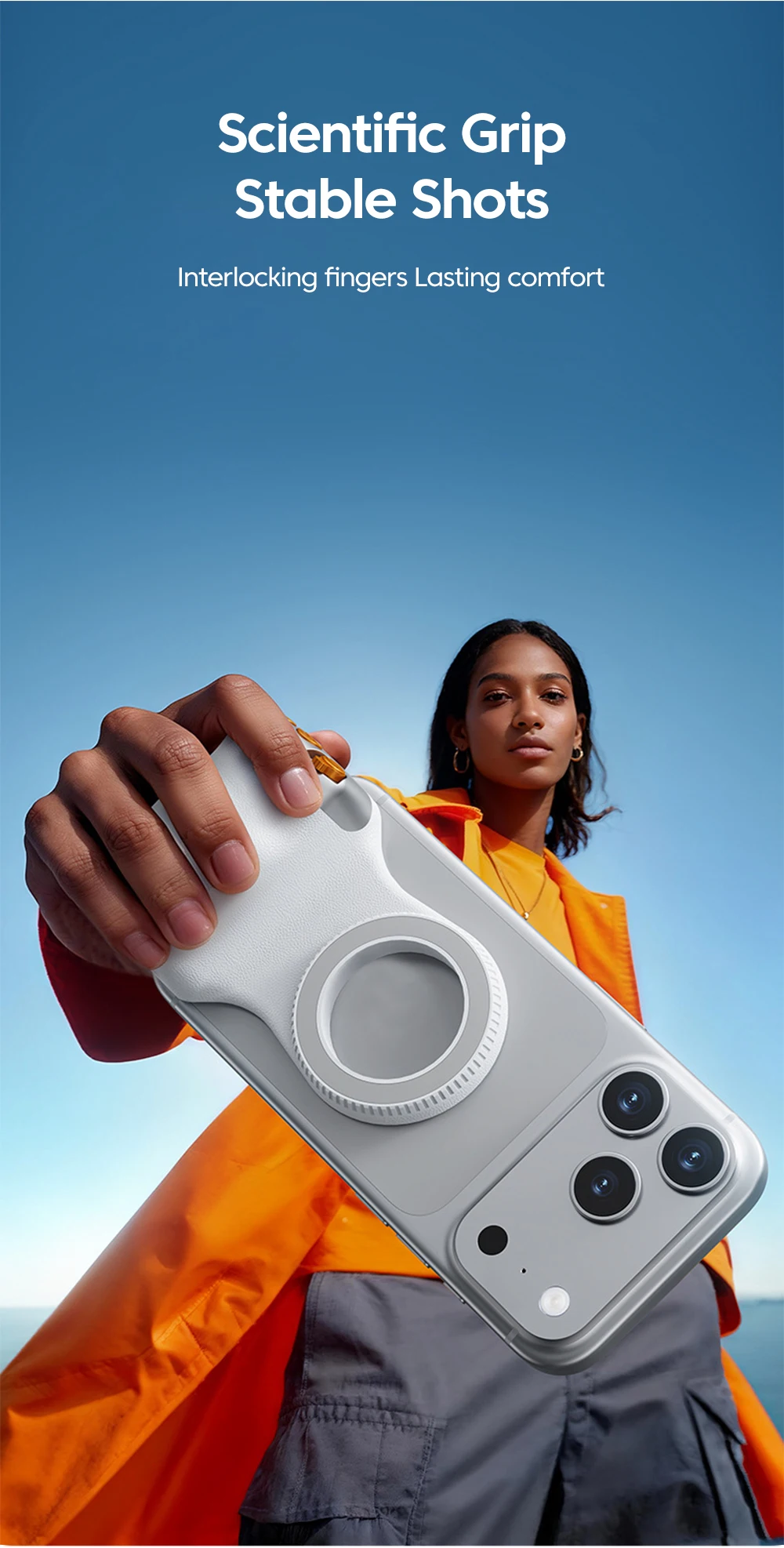
Magnetic Phone Camera Shoot Hand Grip Zoomable Smart Phone Holder Shooting Aid Bluetooth Remote Control Handle For iPhone Huawei


Magnetic Phone Camera Shoot Hand Grip Zoomable Smart Phone Holder Shooting Aid Bluetooth Remote Control Handle For iPhone Huawei
SPECIFICATIONS
Brand Name: NONE
Choice: yes
Feature 1: Battery capacity 120mAH
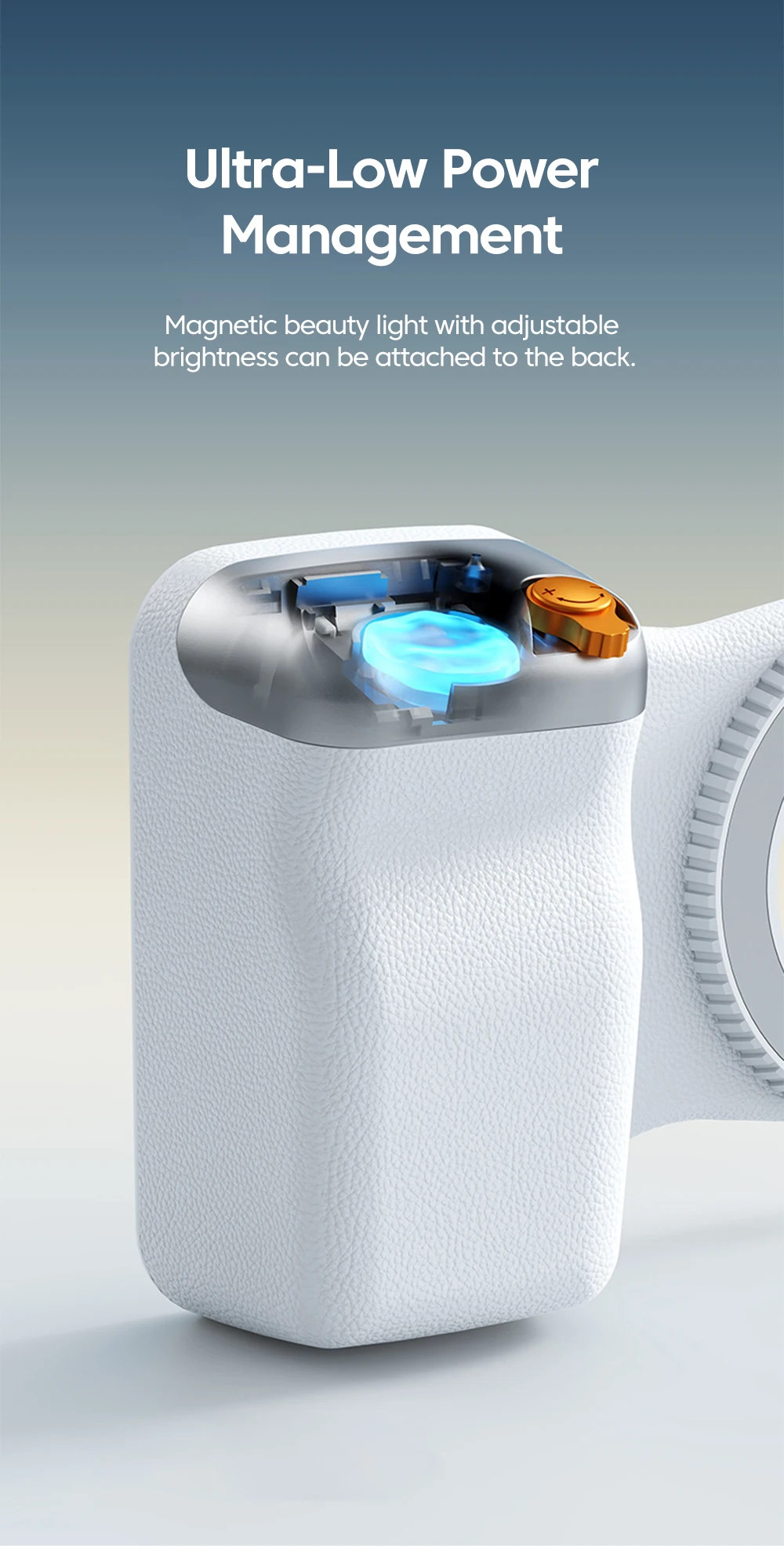
Feature 2: Button battery: CR1632
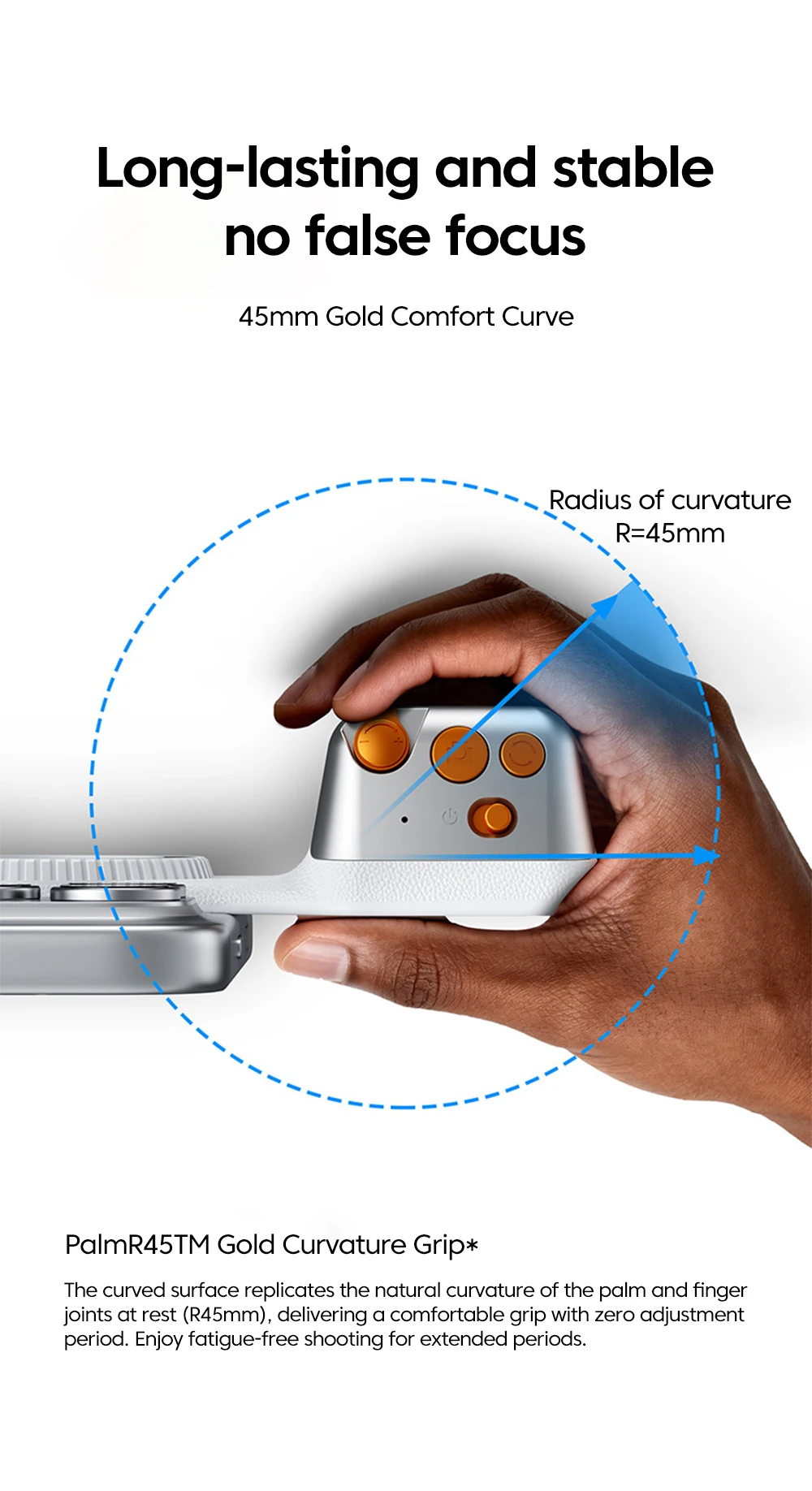
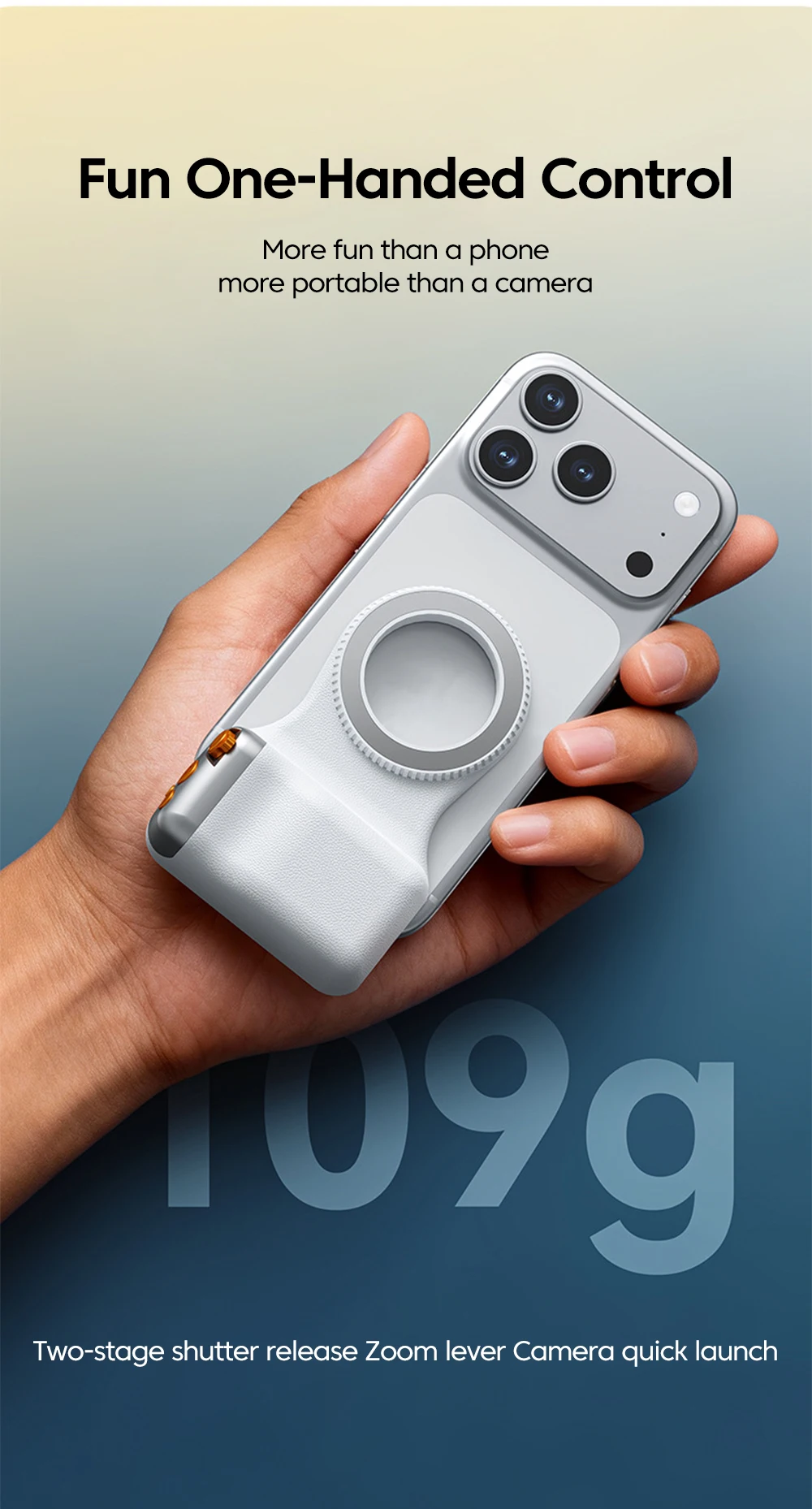
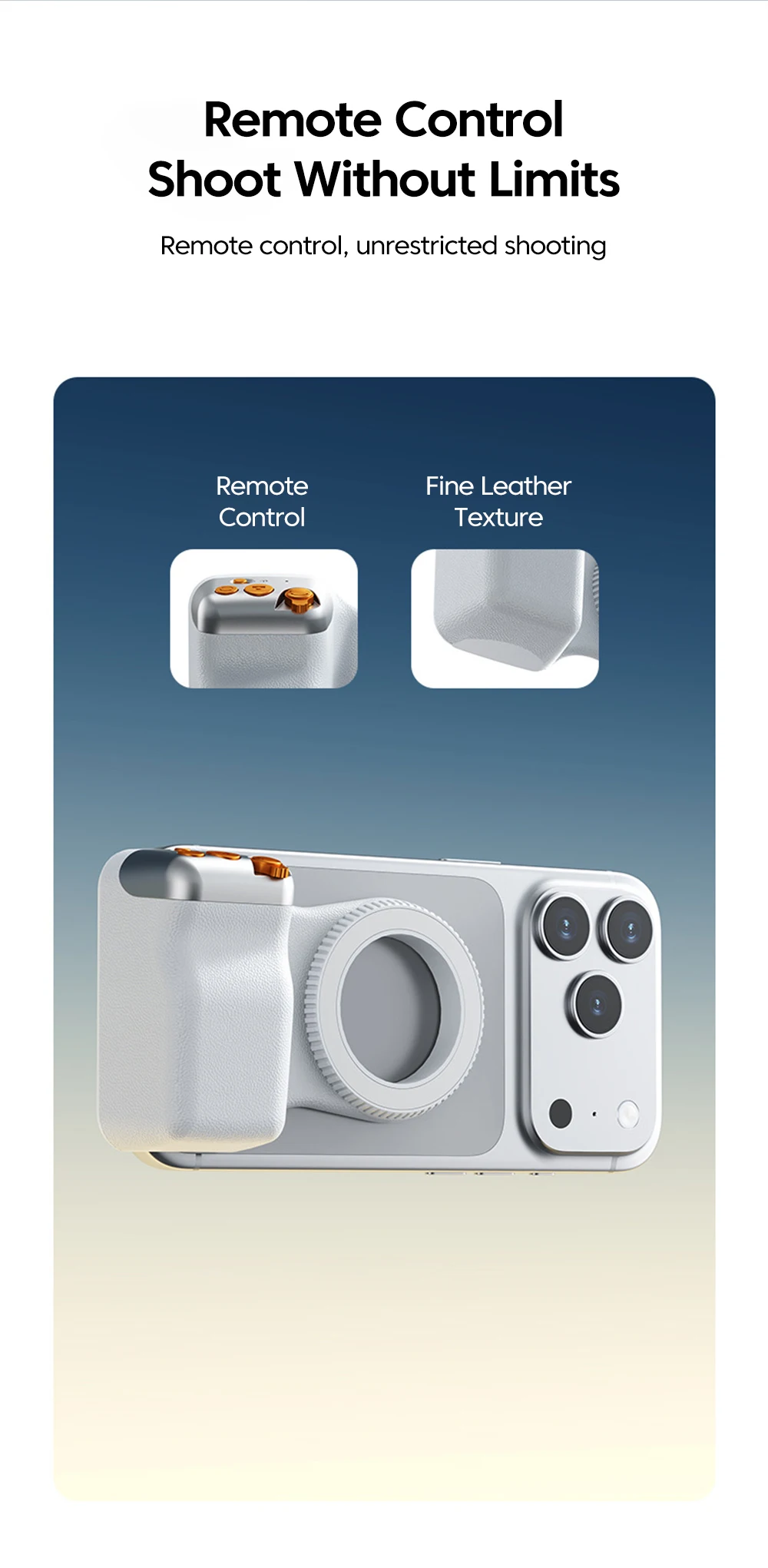
Feature 3: Zoom toggle key camera key lens switch key
Feature 4: Mobile camera controller
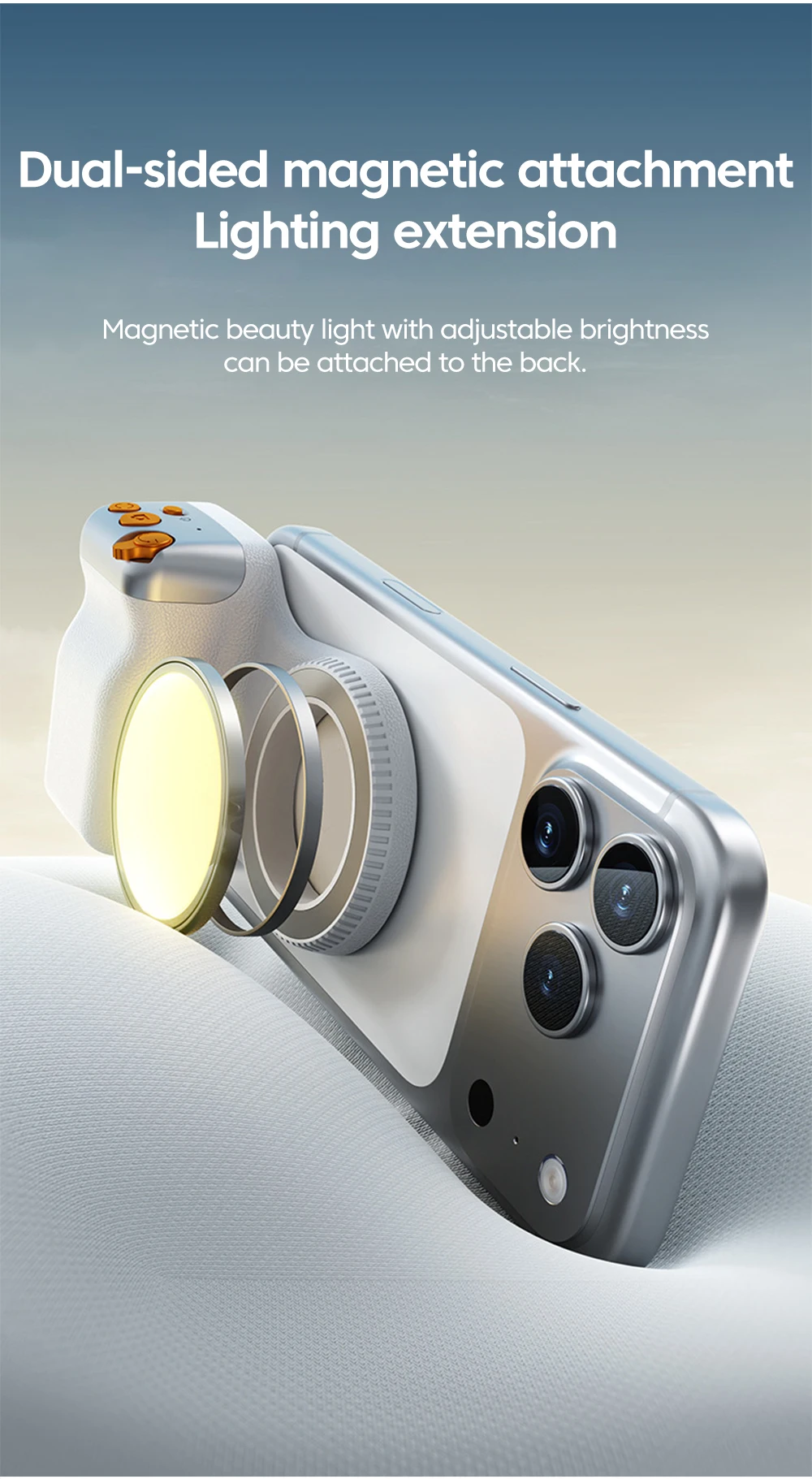
Feature 5: Wireless Bluetooth photography, beauty enhancement, and image stabilization
High-concerned chemical: None
Is Batteries Included: Yes
Origin: Mainland China
Type: others
Steps for using Bluetooth remote control
Step 1: On your phone, click on Settings - Bluetooth and turn on your phone's Bluetooth.
Step 2: Turn on the power button (about 2 seconds) until the indicator light flashes and the power is successfully turned on.
Step 3: When a Bluetooth device named "selfie" is found on the phone, click and select pairing. After the link is successful, the indicator light will turn off.
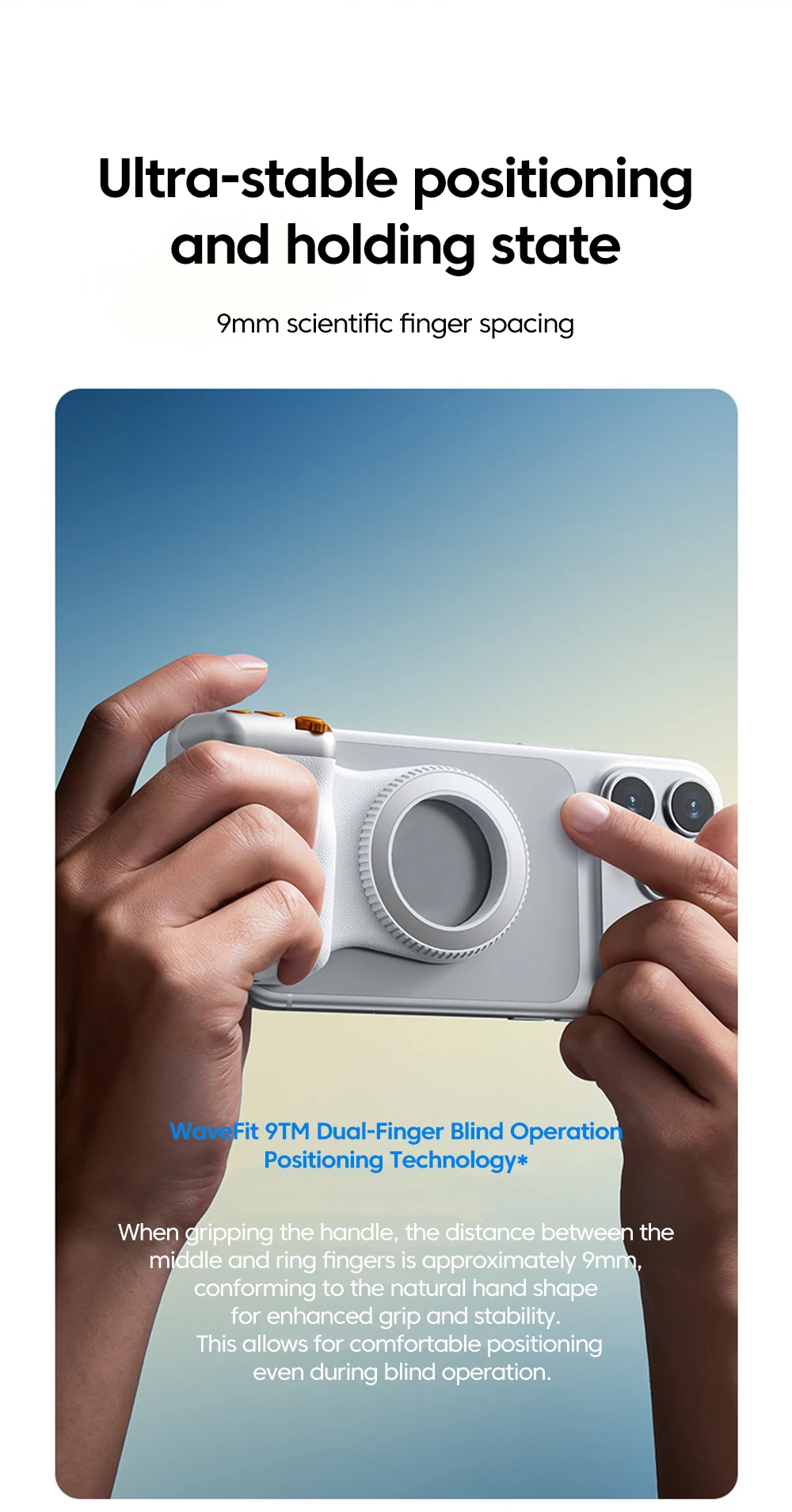
Step 4: Open the camera app and press the photo button to take photos or videos. Pressing the lens switch button can flip the front and rear cameras, while the left and right toggle buttons can adjust the zoom of the rear lens.
Reminder: If you are unable to use your iPhone after a successful connection, please open your phone settings>Accessibility>Zoom>Open
Product Parameters
Material: ABS+PC+aluminum alloy
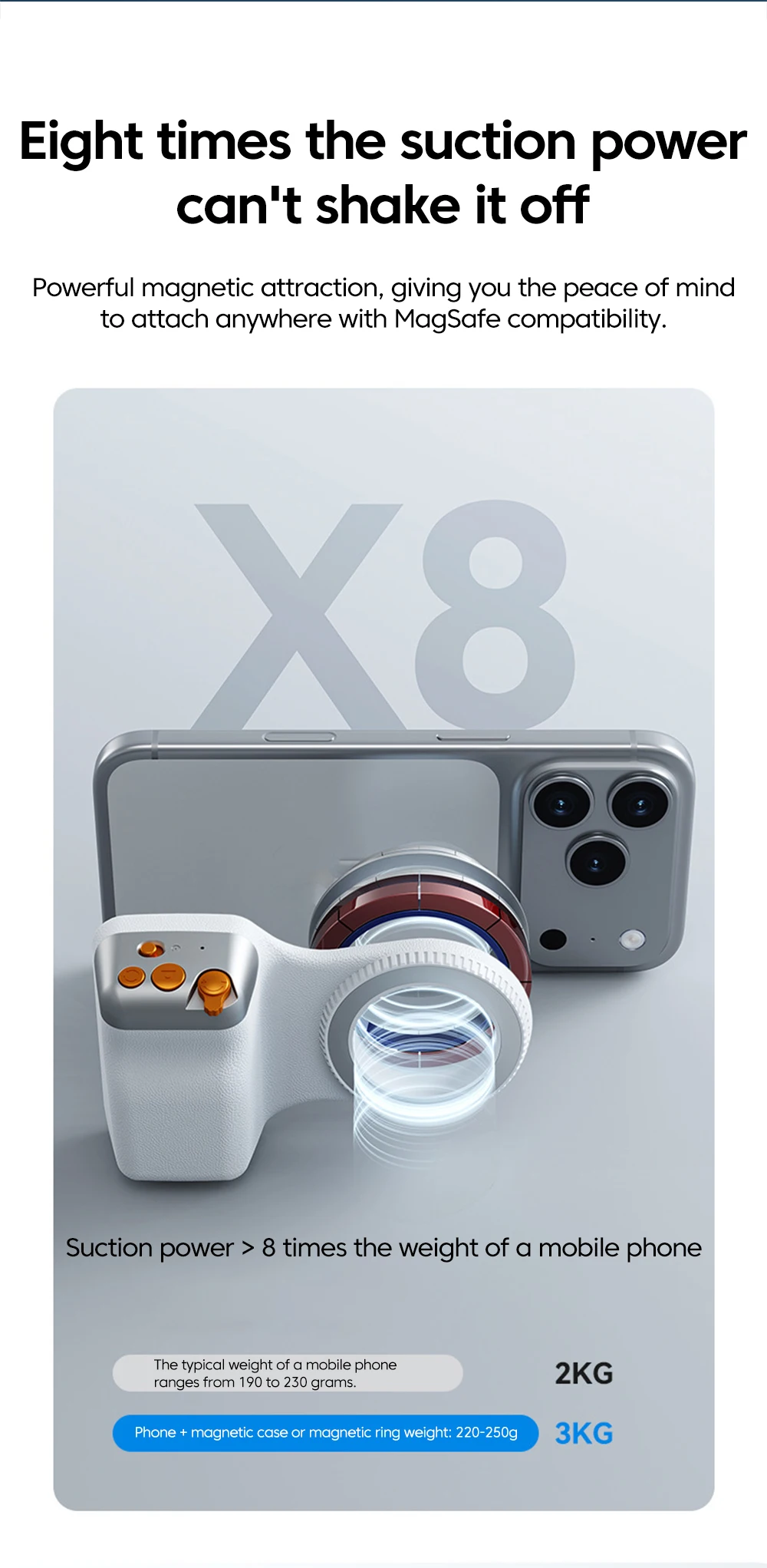
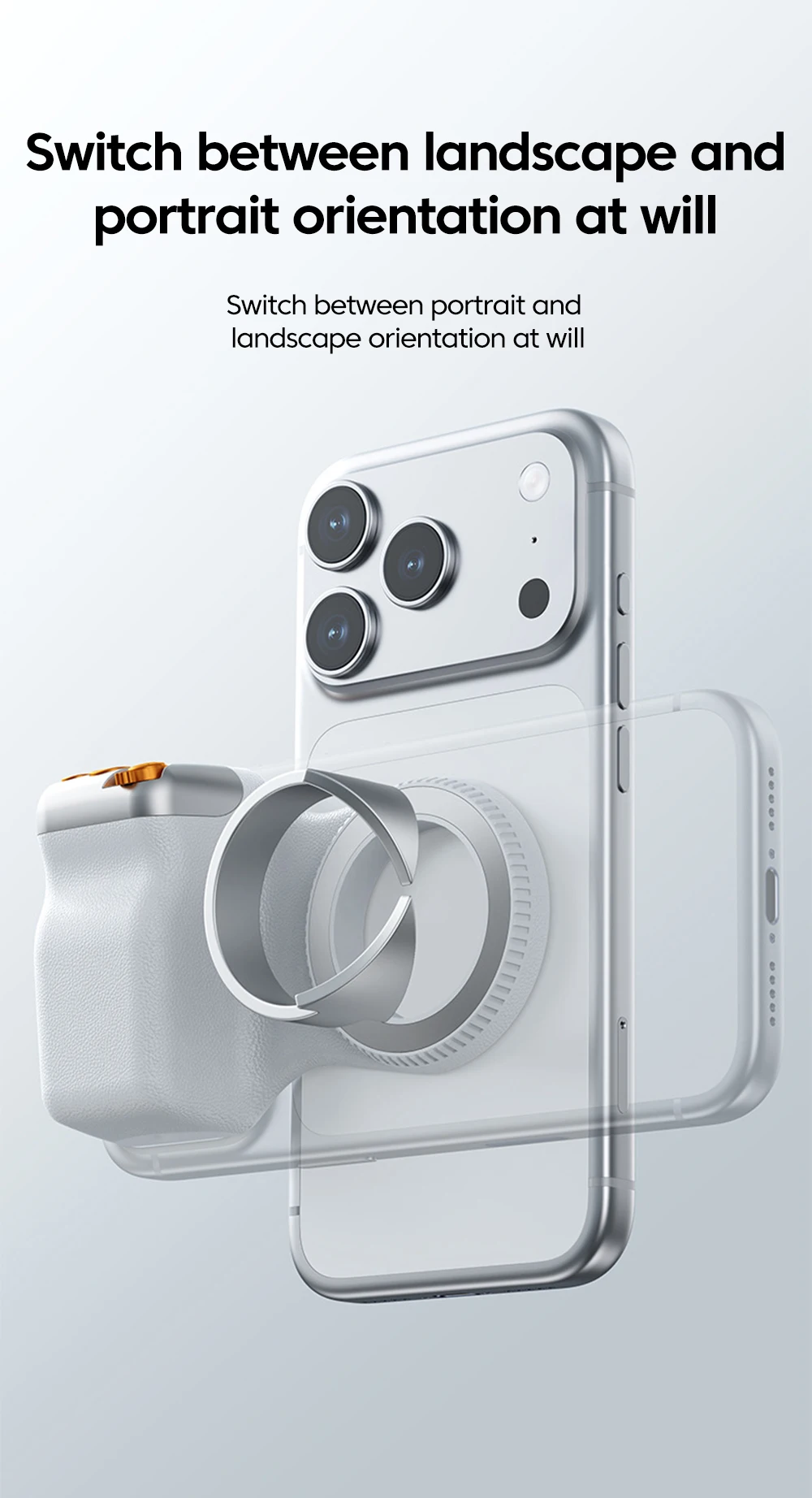
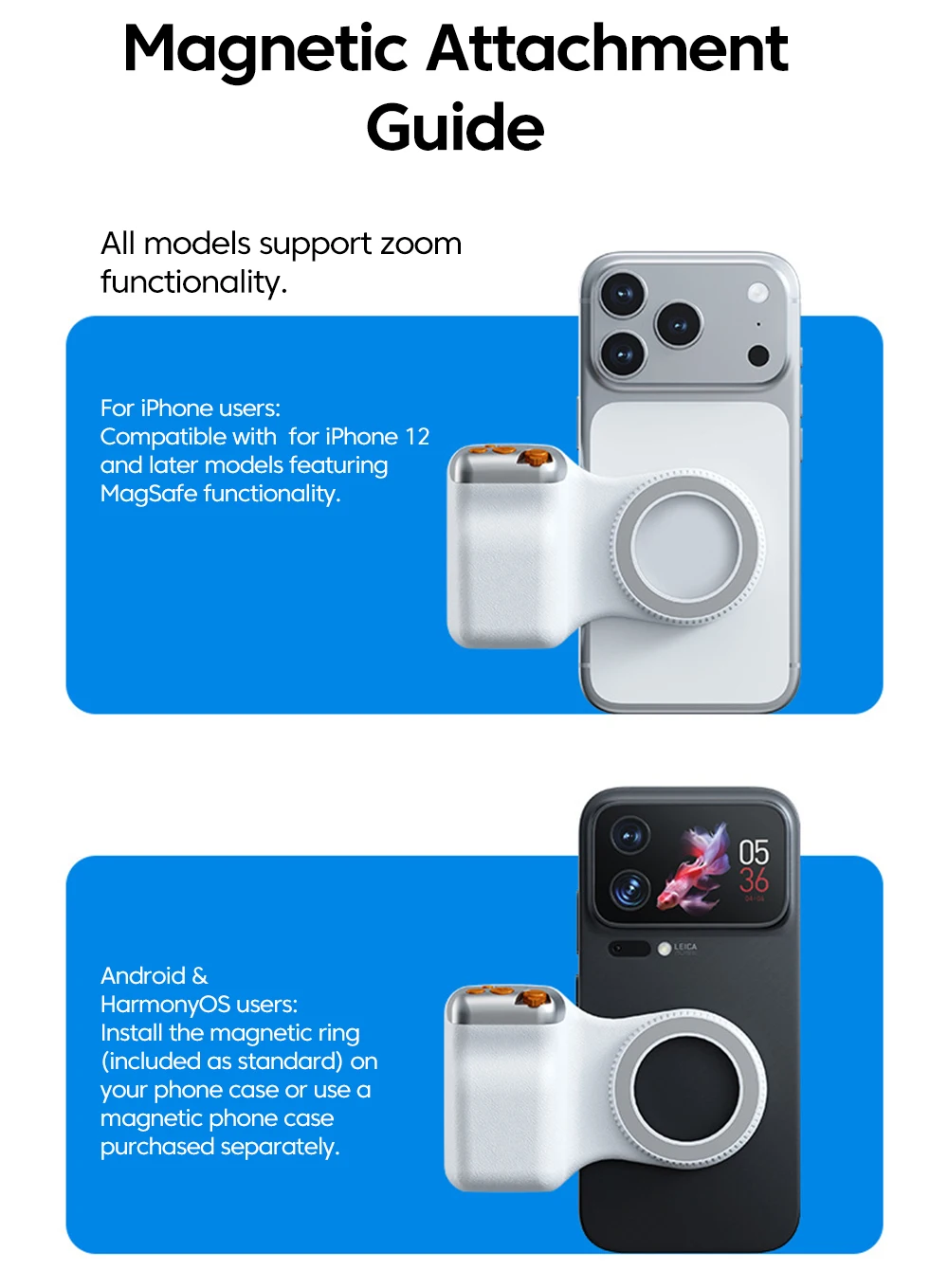
Magnetic phone size: basically applicable
Battery capacity: 120mAH
Button battery: CR1632
Remote control button functions: zoom toggle button, camera button, lens switch button
Bluetooth pairing name: selfie
Bluetooth distance (meters): within 10 meters